API
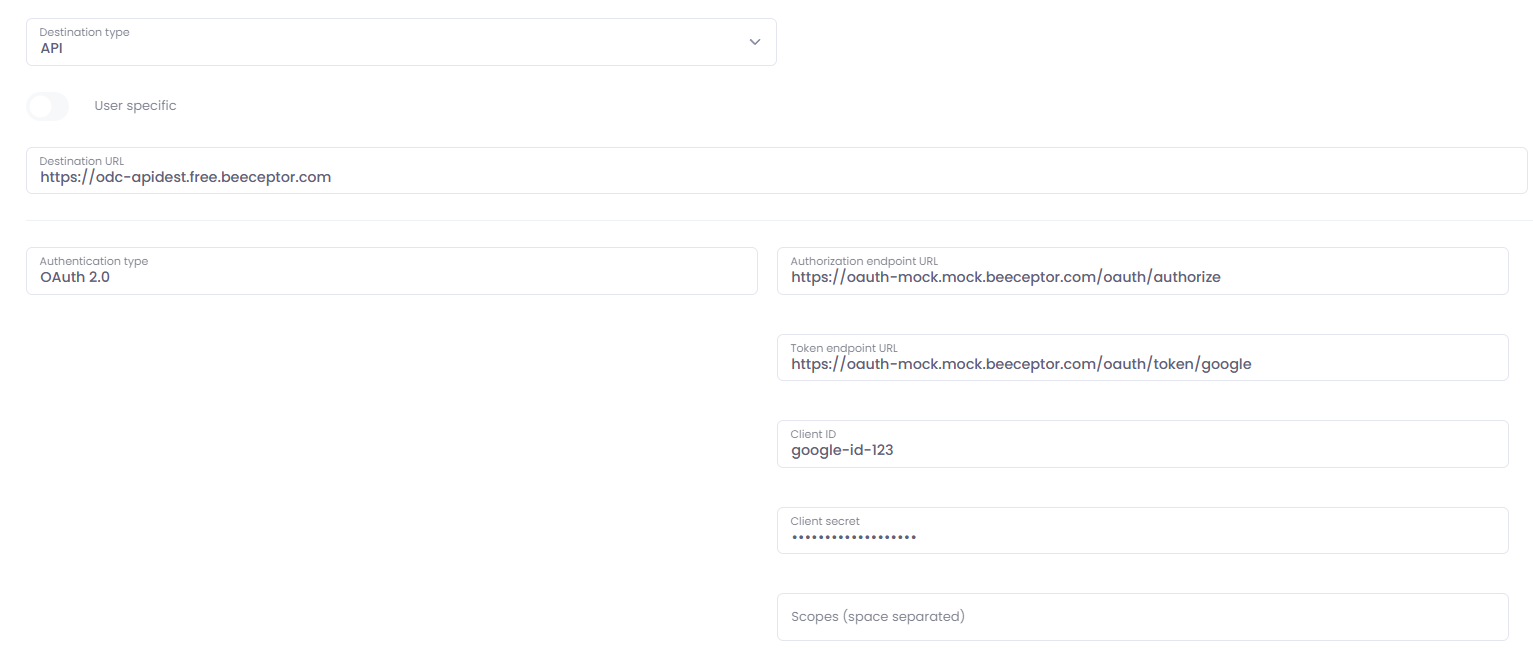
API destination allows you to deliver scanned files through Rest API to such destination. Configuration depends on API implementation, all basic functionalities should be covered on our side. Example delivery to mock API destination is as follows.
Destination URL - URL/API endpoint to which files are delivered
Authentication type
- None - no authetication required from API side
- Basic html authentication - API requires just basic html authentication
- OAuth 2.0 - API destination requires OAuth 2.0 authentication for delivery
- Authorization endpoint URL - URL that points to authorization page
- Token endpoint URL - URL that returns the token
- Client ID - ID of the created app
- Client secret - client secret of the created app
- Scopes - specified scopes space separated, eg. files.readwrite.ALL desk.basic.create
Redirect URI that you need: https://[datacentre_shortcut, eg. eu, uk, us].optimidoc.cloud/Destinations/AuthorizeApi
Example: https://eu.optimidoc.cloud/Destinations/AuthorizeApi
Request parameters
- Key - name of the parameter
- Value - request parameter value
- Type
- System parameter - can be any system parameter, like timestamp, user_name, user_email etc.
- Custom parameter - can be any other type of parameter or a static value
- Terminal parameter - parameter that user enters on the MFP panel or via Workplace
- Location
- Request header - parameter is passed over to API via request header
- Form - parameter is passed over to API in form
Enable metadata export -
- XML - default system XML format
- JSON - default system JSON format
- Custom XML - your custom XML format
- Custom JSON - your custom JSON format
Export metadata in form field - you can also add the metadata into the form field
- Name of metadata form field - form field name for metadata
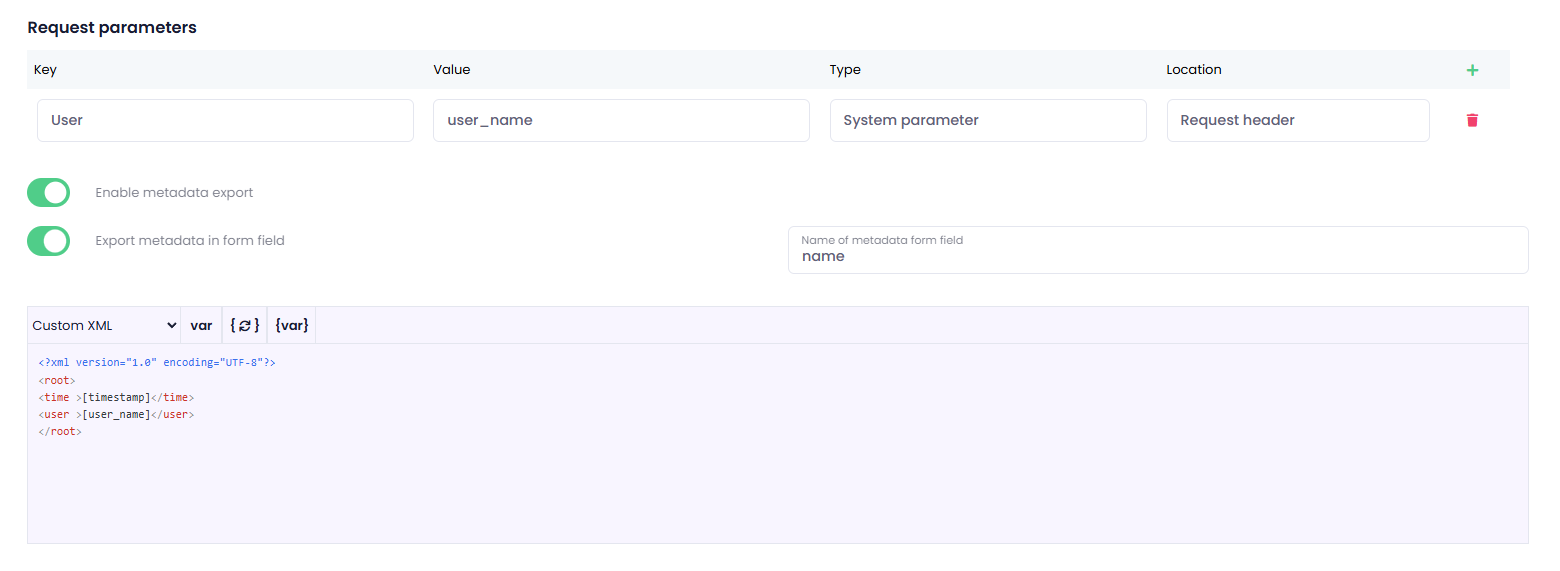
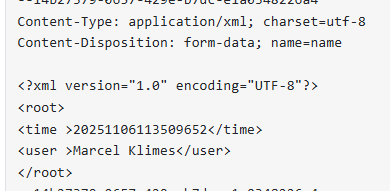
This configuration will deliver the result file togehter with metadata.
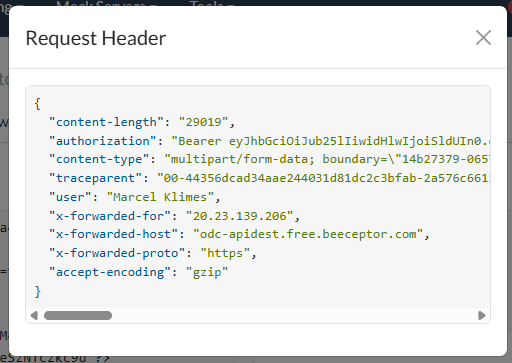
Request header
Resulting PDF file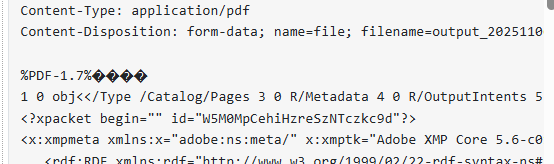
Resulting metadata