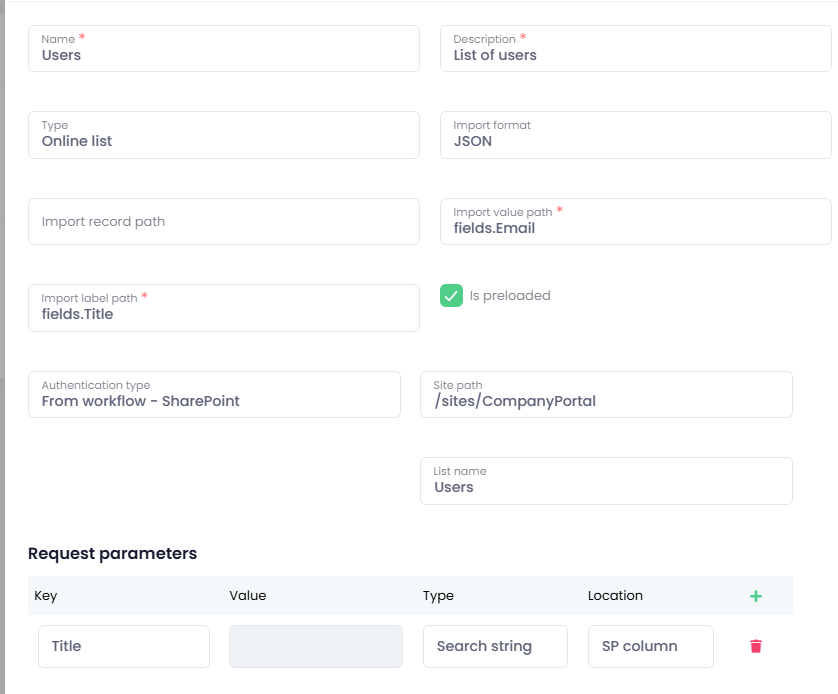
SharePoint list
This particular type of advanced list allows you to use the SharePoint list type, to search through its items and use them within your flow.
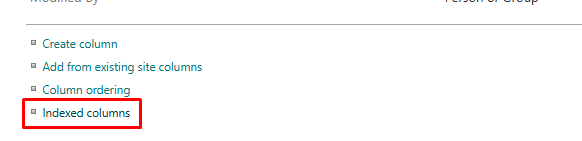
The list items/columns that you want to use have to be indexed. To check this configuration or add the indexes, navigate to list settings and find the "Indexed columns" link.
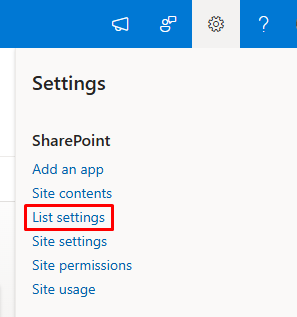
Indexed columns section
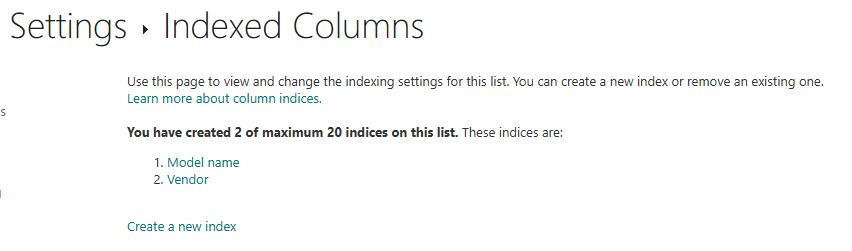
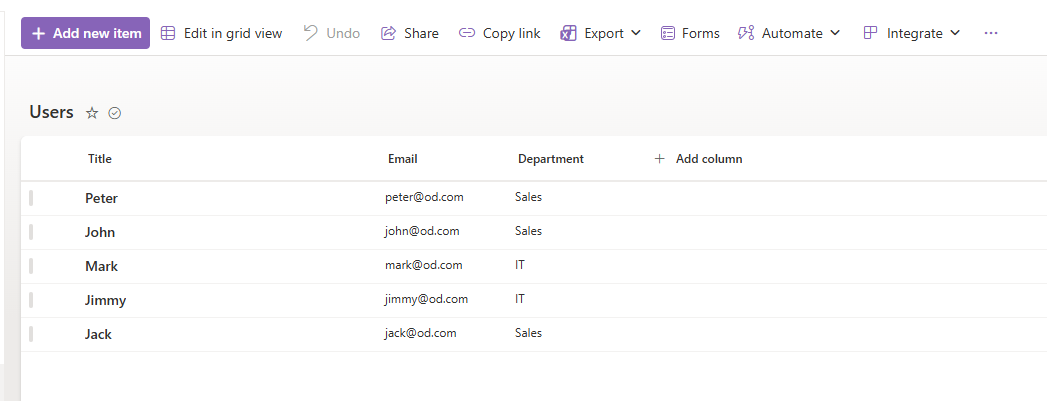
The list itself
Configuration of the list in advanced lists section - this is a basic example of usage, more advanced list configuration to follow or is accessible through video guide on eLearning platform:
This list differs from the others advanced lists in the configuration of import format, it is always JSON that you have to select; import value path and label path have to begin with "fields."