SAML 2.0
Each customer needs to create their own app in whatever SAML IdP (IdP = identity provider) they’re using.
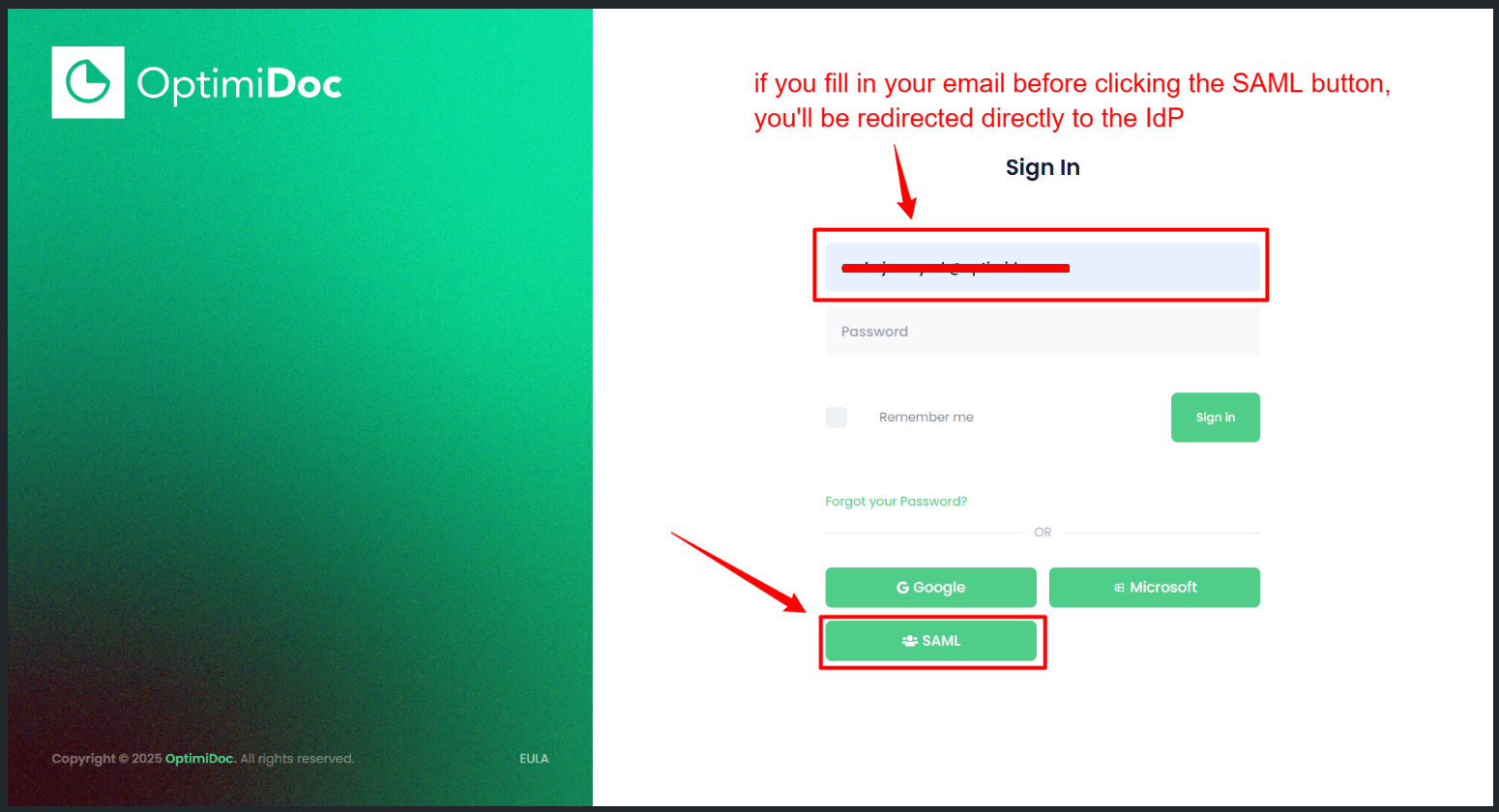
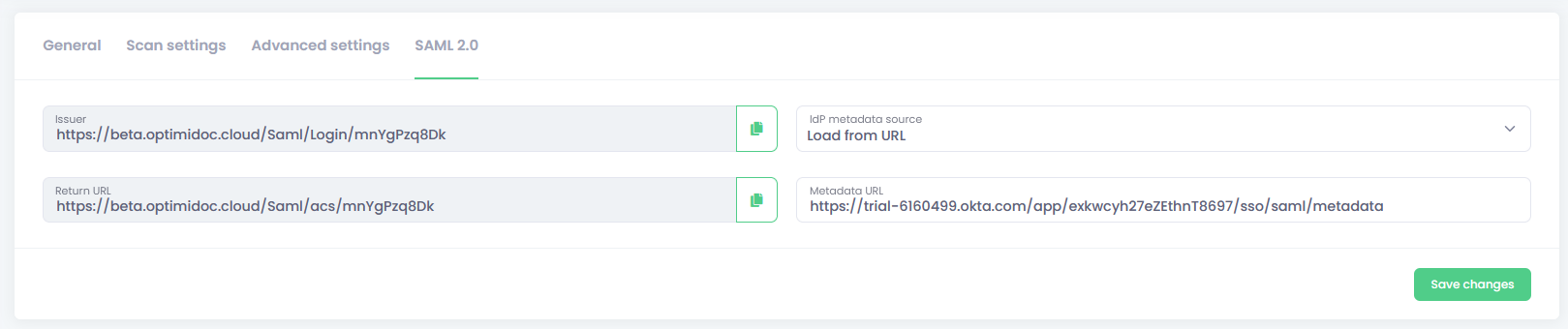
Issuer - this auto-generated URL is used when creating app in IdP, can also be used to login to OptimiDoc Cloud, you can bookmark this URL and use it to log in - this is simpler way, you can also use the SAML button to log in
Return URL - this auto-generated URL is used when creating app in IdP
IdP metadata source
- None (disable SAML)
- Load from file - SAML metadata in file form
- Load from URL - SAML metadata loaded from URL
Login via SAML button: