
Relevant Licenses:
An optimiprint license is required to use print functionality within OptimiDoc Cloud
OptimiDoc Cloud provides a robust cloud-based print management system, allowing organizations to eliminate expensive on-premise print servers while maintaining full control over their print environment. This section covers everything there is to know about setting up and configuring printing within OptimiDoc. From this page you can…
Print Connectors Overview
In the Print Management > Print Jobs you will find a list of all print jobs within OptimiDoc. This will include jobs from all users within the OptimiDoc tenant. Administrators are able to delete jobs from this screen.
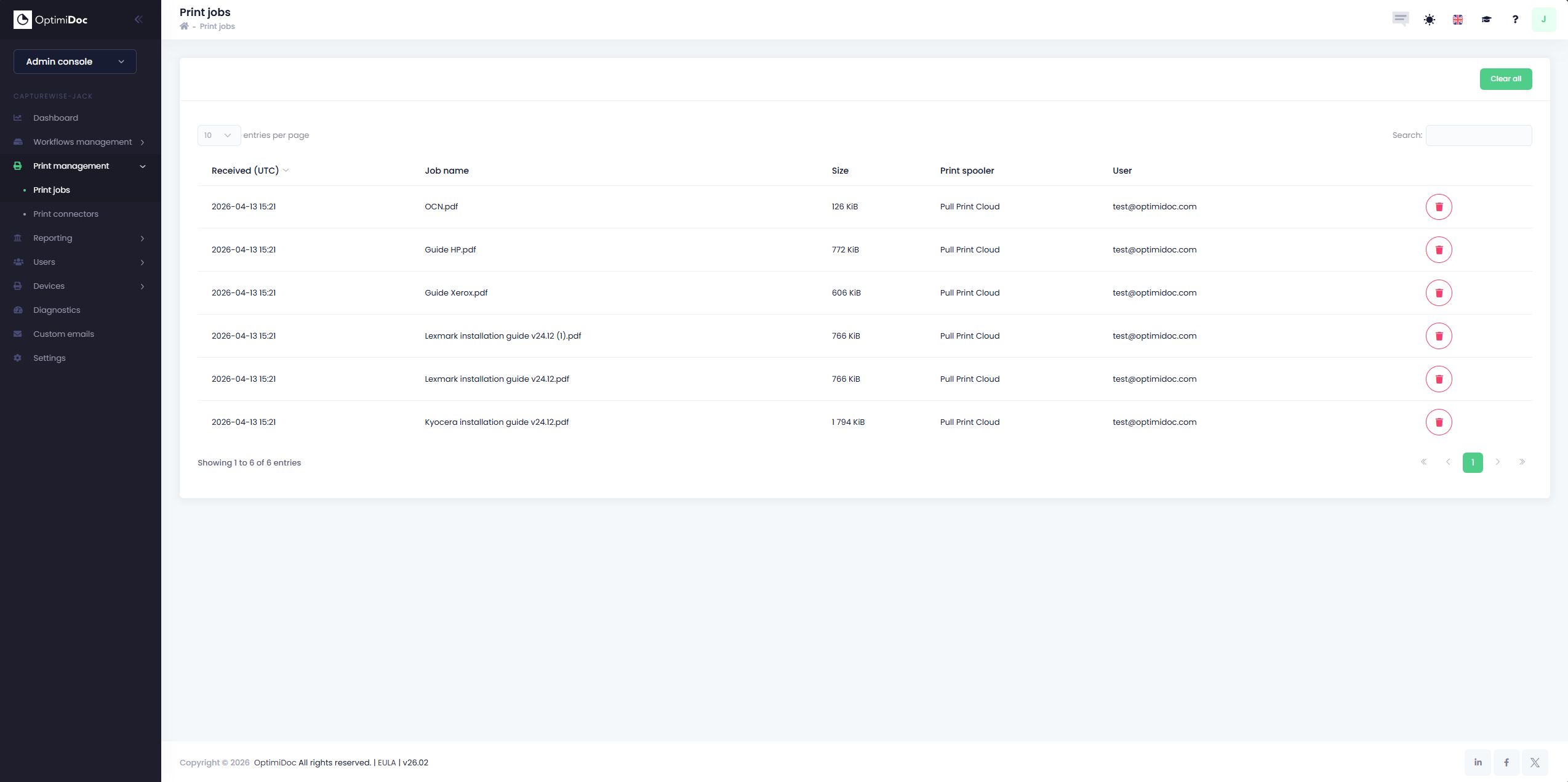
Print job data is only kept as long as it necessary within OptimiDoc. Please see below for how long different type of data is kept within OptimiDoc.
|
Data Type |
Time |
|---|---|
|
Unprinted Documents (Automatic) |
3 Days (OD Datacenters)
|
|
Printed Documents (Automatic) |
3 hours after print out |