
The OptimiDoc Cloud Printer Migration Tool is designed to simplify the transition from traditional on‑premises print servers to OptimiDoc Cloud.
It allows administrators to import existing printers, drivers, and print settings directly from the Windows operating system into the OptimiDoc Cloud platform.
The tool significantly reduces manual configuration effort and minimises disruption during migration.
Configuration and usage is described in section: How to Upload Custom Print Drivers and Print Settings
Purpose and Use Cases
The Printer Migration Tool is typically used for:
-
Migrating printers from legacy Windows print servers to OptimiDoc Cloud
-
Preserving existing printer configurations and default settings
-
Accelerating cloud adoption without redesigning print infrastructure
-
Uploading and managing custom printer drivers
-
Standardising print configurations across multiple environments
Architecture and Migration Model
The tool performs a one‑way migration:
Windows Print Server / Windows OS → OptimiDoc Cloud
Key characteristics:
-
Reads printer definitions from Windows
-
Imports drivers and print settings
-
Creates or updates printers in OptimiDoc Cloud
-
Does not modify or delete printers on the source system
Supported Environments
Source Systems
-
Windows Print Server
-
Windows workstation with locally installed printers
Supported Objects
-
Printers
-
Printer drivers
-
Default print settings
Operating System
-
Windows Server or Windows Client OS
-
Administrative access required
5. Prerequisites
Before running the tool, ensure the following:
Windows Requirements
-
Administrative privileges on the source system
-
Printers correctly configured and operational
-
Printer drivers installed and accessible
OptimiDoc Cloud Requirements
-
Active OptimiDoc Cloud tenant
-
Administrator access to the OptimiDoc Cloud portal
-
Network connectivity to the OptimiDoc Cloud datacentre
6. Installation
-
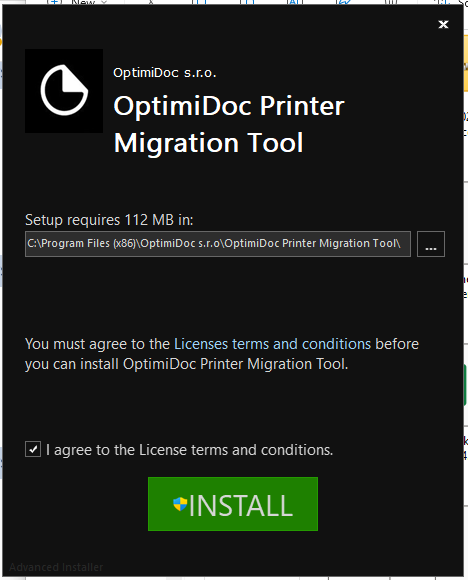
Download the OptimiDoc Cloud Printer Migration Tool installer from OptimiDoc Partner Portal.
-
Run the installer on:
-
The Windows print server or
-
A Windows system with access to the printers to be migrated
-
-
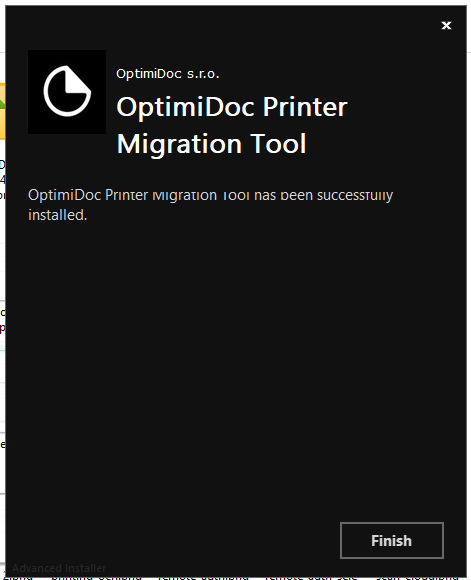
Complete the installation wizard.
-
Launch the Printer Migration Tool.